PitchTap Support
Support information for PitchTap – Baseball Pitch Speed Timer
About PitchTap
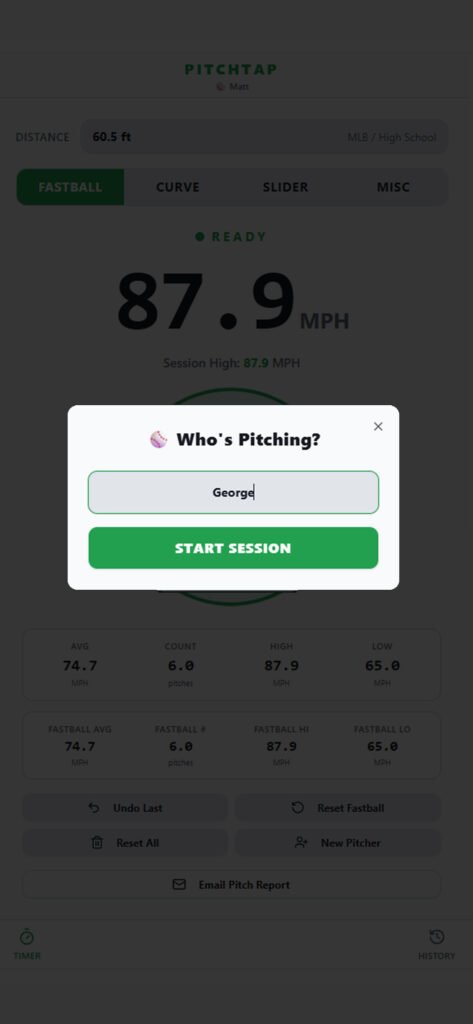
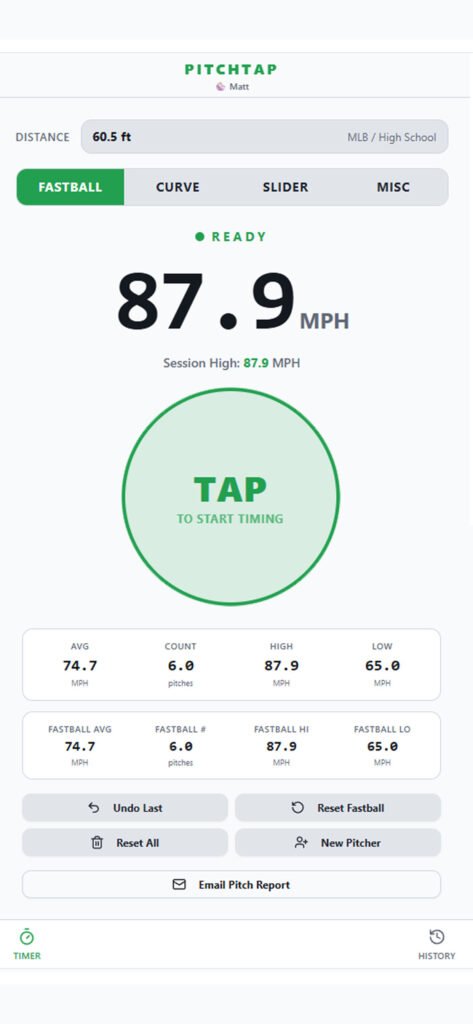
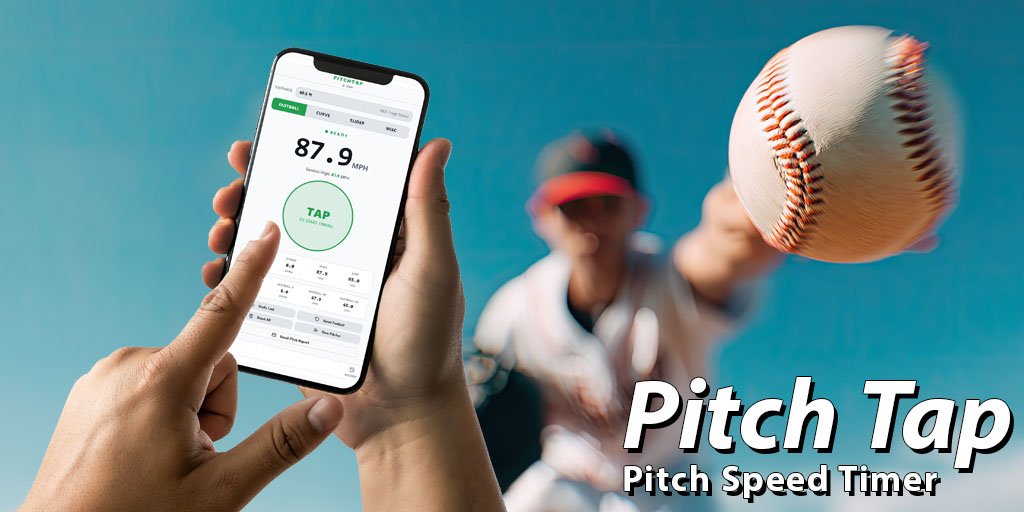
PitchTap is a simple mobile app that helps coaches, parents, and players measure baseball pitch speed using a two-tap timing method. Tap once when the pitcher releases the ball and tap again when the catcher receives it. PitchTap calculates the pitch speed in miles per hour (MPH) and shows useful session stats.
The app is designed to be quick, easy to use, and practical for games, practices, and bullpen sessions.
How to Use PitchTap
- Set the pitching distance or use a preset distance.
- Choose the pitch type if needed.
- Tap the main button when the pitcher releases the ball.
- Tap again when the catcher catches the ball.
- PitchTap will instantly calculate and display the pitch speed in MPH.
Features
- Simple two-tap pitch speed measurement
- Instant MPH calculation
- Adjustable pitching distance for different age groups and leagues
- Pitch type tracking for Fastball, Curve, Slider, and Misc
- Session averages and pitch counts
- High and low pitch speeds
- Recent pitch history
- Email pitch reports
Tips for Best Results
- Tap as close as possible to the moment of release and catch.
- Use the correct pitching distance for your league.
- Stand where you can clearly see both the pitcher and catcher.
- Use repeated readings to compare pitches and track trends over time.
Support Contact
If you have questions, feedback, or need help using PitchTap, please contact us at:
Privacy
PitchTap does not collect or store personal data. Pitch information stays on your device during use.
If you have a separate privacy policy page on your website, add a link to it here.